For Students
Access student resources and guides for the Singapore Student Learning Space (SLS) and Student iCON, including account access and management support.
For Students
Student Learning Space
HOW SINGAPORE STUDENT LEARNING SPACE SUPPORTS LEARNING
As part of Ministry of Education's (MOE) commitment to nurture future-ready learners, an online learning platform known as the Singapore Student Learning Space (SLS) is made available to the students.
The SLS is an online platform with tools and curriculum-aligned resources for all students to learn at their own pace and collaboratively. With the SLS, students can take greater ownership of their learning and pick up skills and habits that prepare them for lifelong learning. Teachers will also use the SLS to complement classroom teaching and learning.
ACCESS TO SLS
The SLS can be accessed from https://www.learning.moe.edu.sg/ (opens in new tab)
You can refer to the following guides:
a) Annex A – instructions for you to assist your child with his/her initial login, and Annex B – a set of Frequently Asked Questions (FAQs) on SLS (for Primary 1 students).
SLS Annexes A & B (opens in new tab)
b) SLS Account Management – Guide (for Primary 2 - 5 students).
SLS Account Management Guide (opens in new tab)
For technical assistance, you may contact:
a) School-based Helpdesk at Ng_Choon_hong@schools.gov.sg or 62026490.
b) SLS Helpdesk at helpdesk@sls.ufinity.com or 6702 6513.
Student iCON
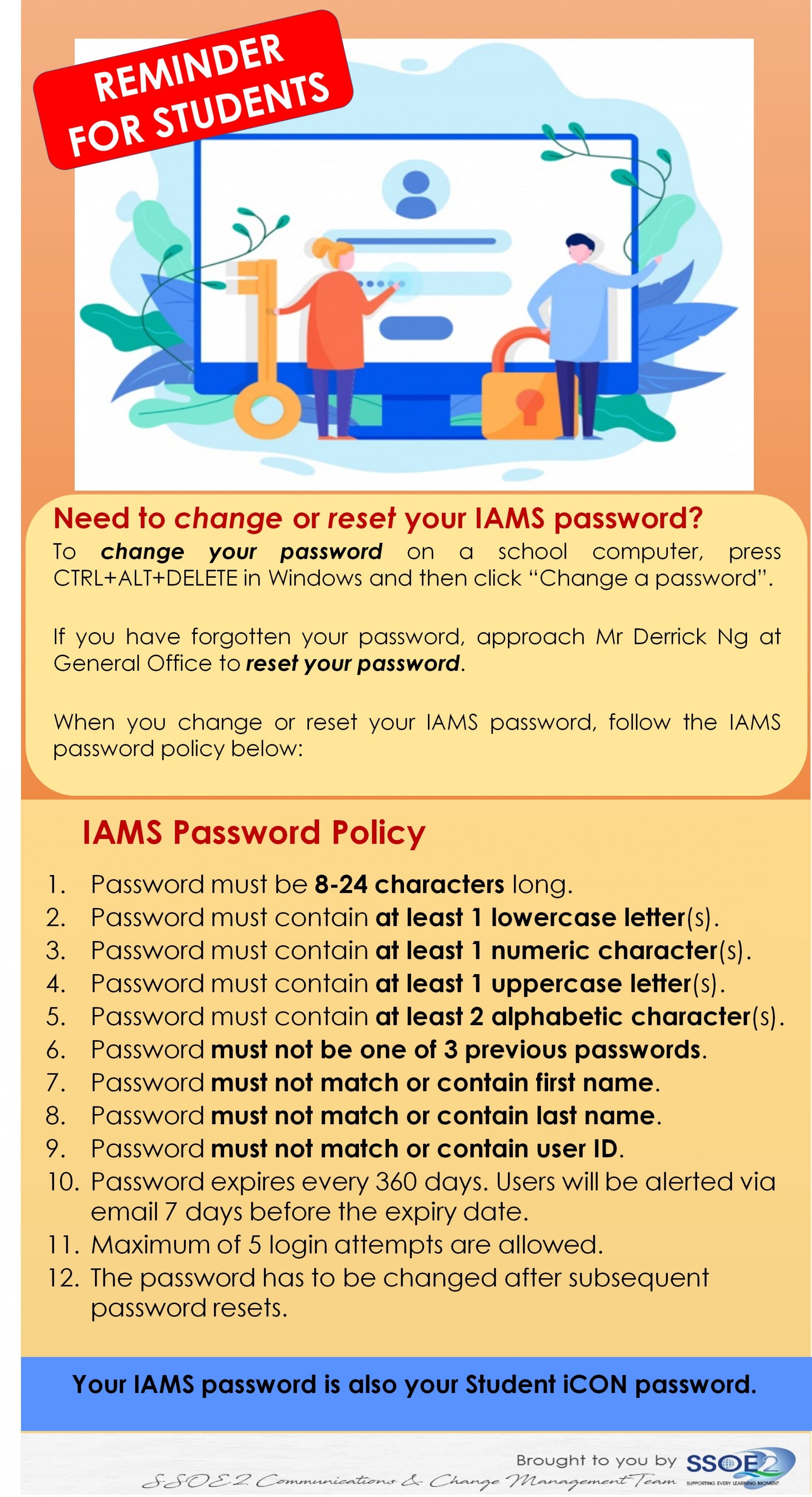
Guide for students to sign in to Google Classroom and Change of password:
User Guide on how to sign in to your Google Classroom and change password.pdf (opens in new tab)
Student iCON onboarding and Change of password guide:
Student iCON Onboarding Guide.pdf (opens in new tab)
Google Takeout Guide to Back Up Student iCON Data:
Google_Takeout_Guide_for_Student_iCON.pptx (opens in new tab)
Quick Guide on Student iCON Management and Housekeeping:
Quick_Guide_on_Student_iCON_Data_Management.pptx (opens in new tab)